Studio
A dashboard in the box
Every tinbase server serves a Supabase-Studio-style dashboard at /_/. No extra process, no separate install — sign in with the service_role key printed at startup. Built with React, Radix, and Tailwind, compiled to a single self-contained HTML file.
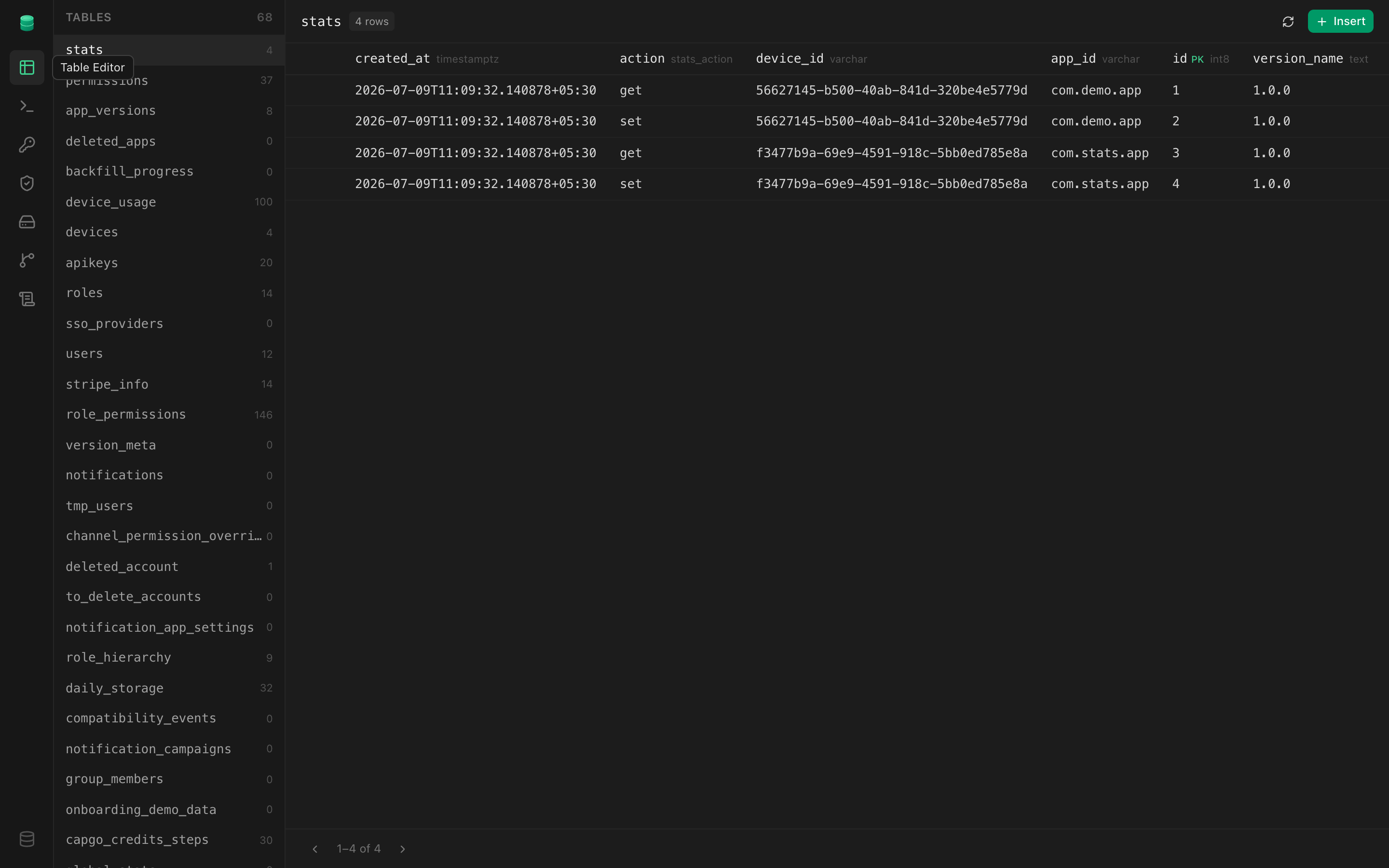
Table editor
Browse and edit rows in any table. Columns show their Postgres types, primary keys, and foreign-key hints; insert, update, and delete inline.
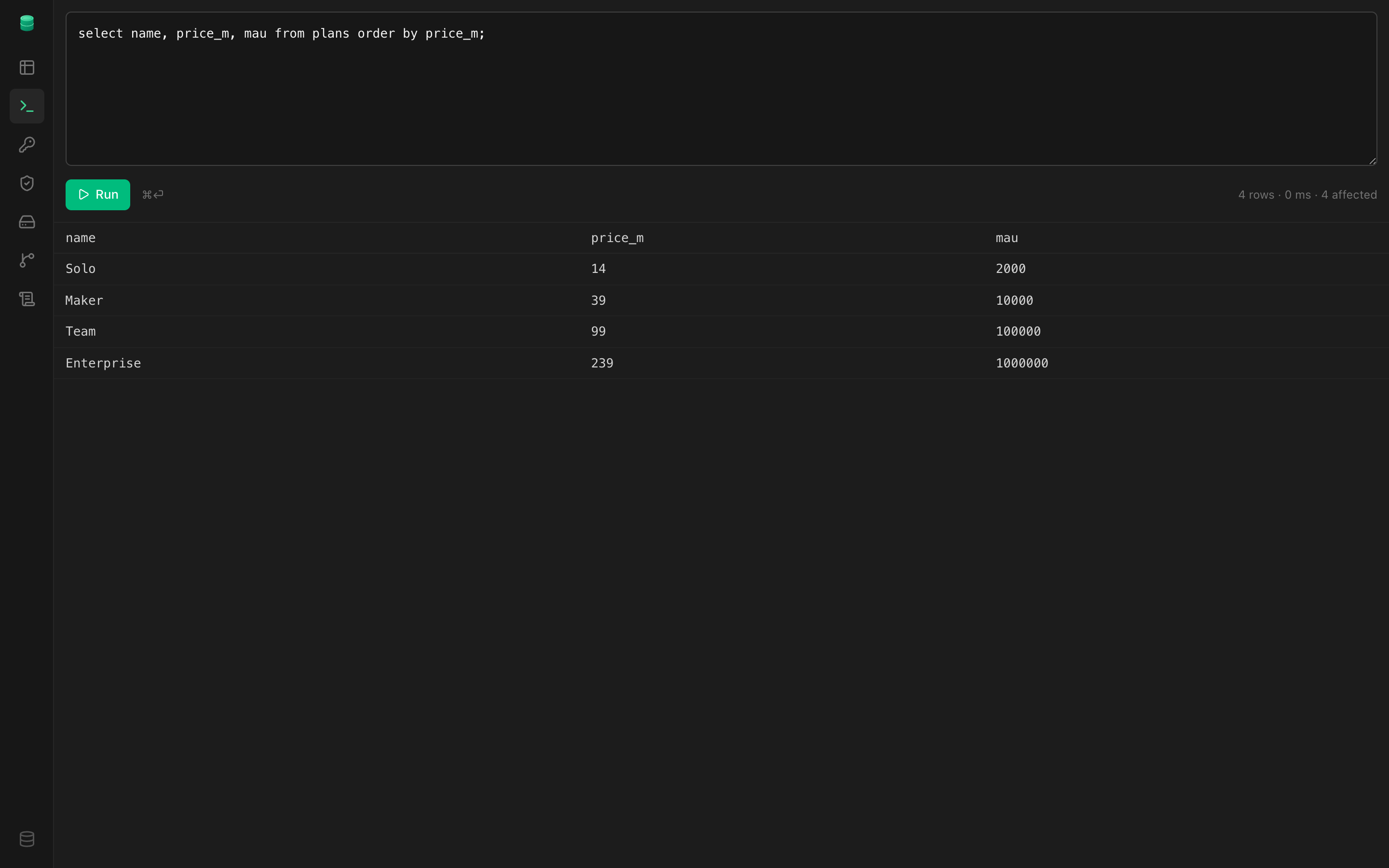
SQL editor
Run arbitrary SQL against the database with a results grid, row count, and timing. Errors come back with the Postgres message and SQLSTATE.
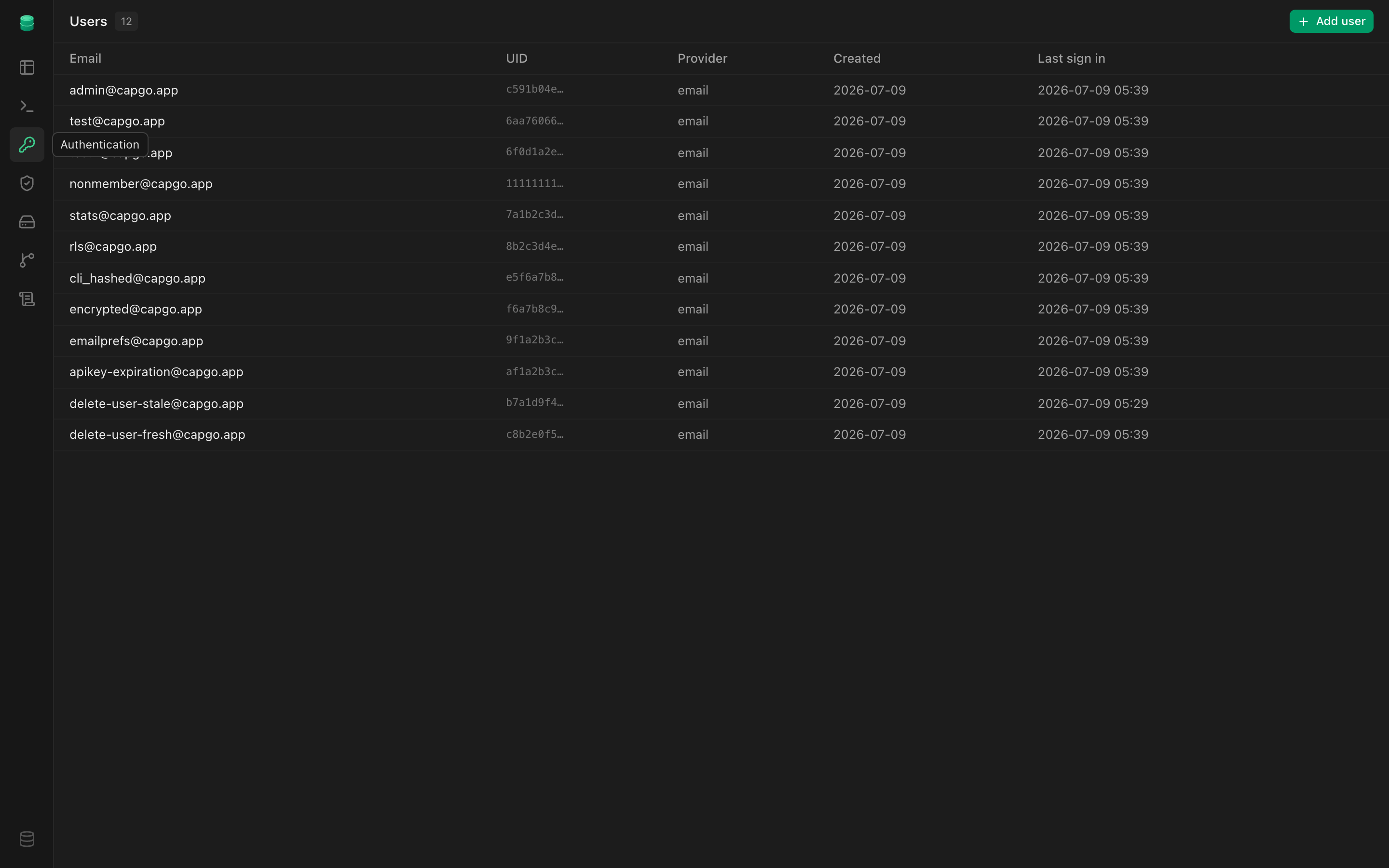
Authentication
Inspect and manage users — create, confirm, update metadata, and delete. The same GoTrue-compatible users your app signs in.
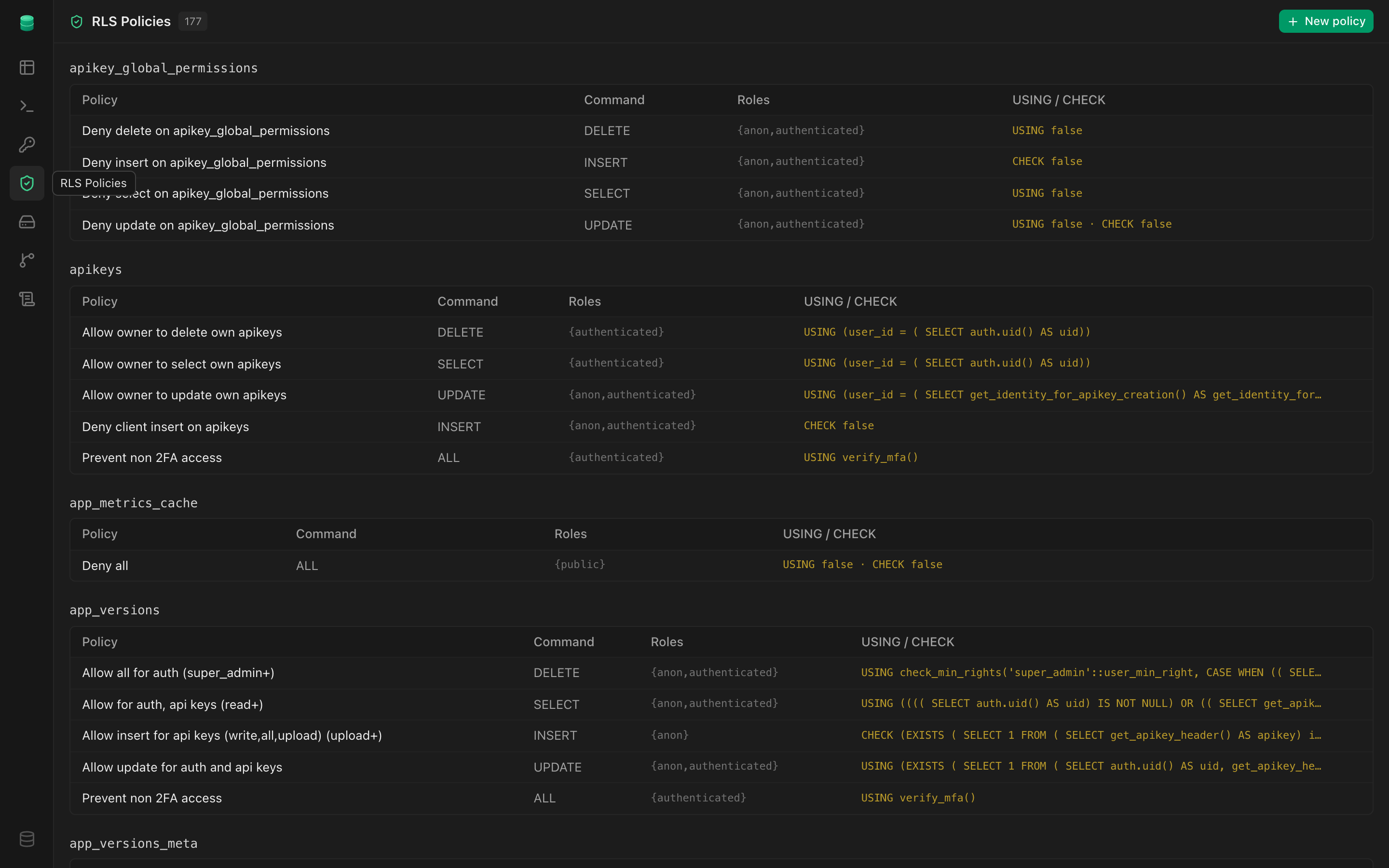
RLS policies
View and author row-level-security policies per table with a real editor — SELECT / INSERT / UPDATE / DELETE, roles, and USING / WITH CHECK expressions.
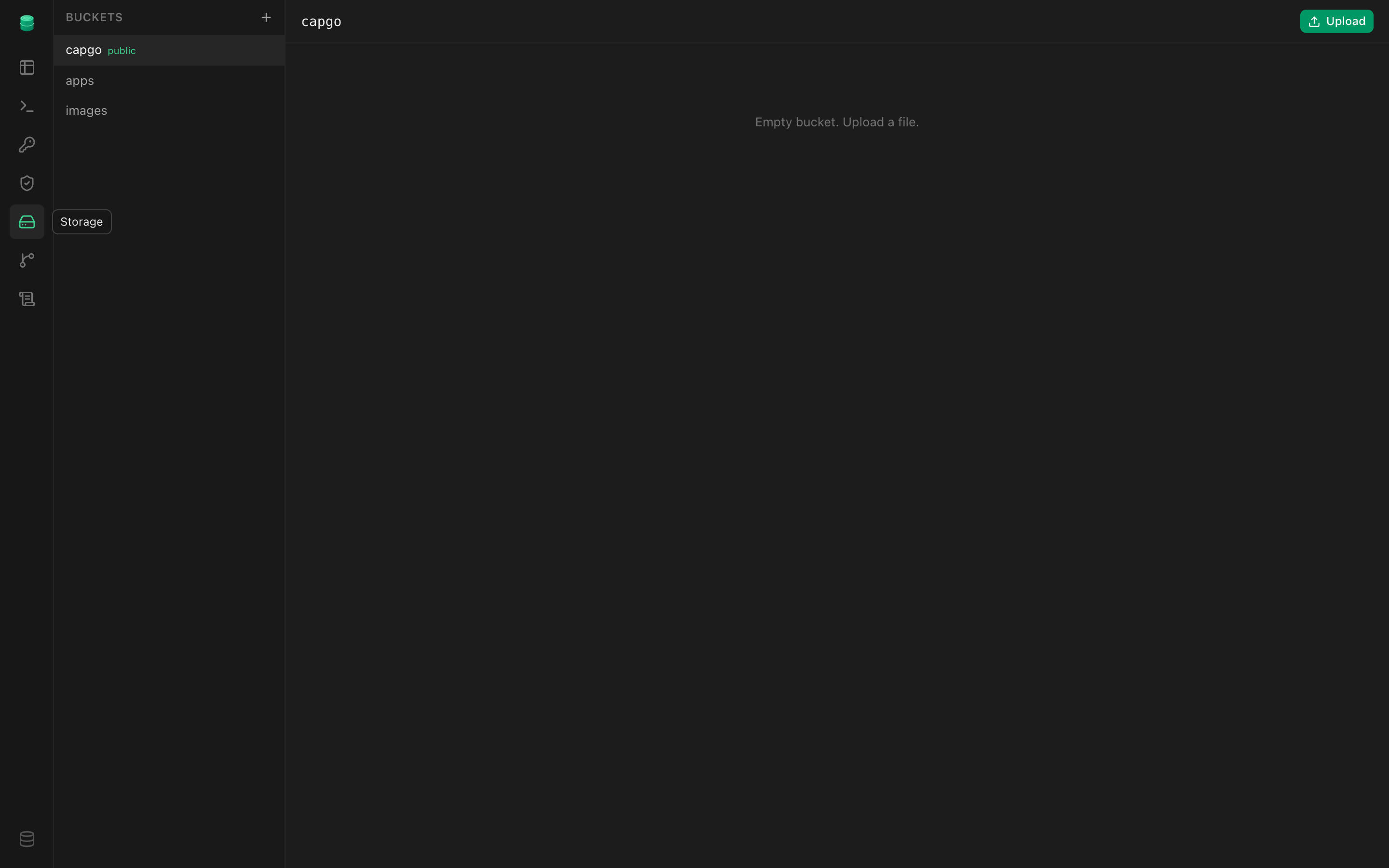
Storage
Browse buckets and objects, upload files, and toggle public access — backed by storage.objects with RLS, like hosted Supabase.
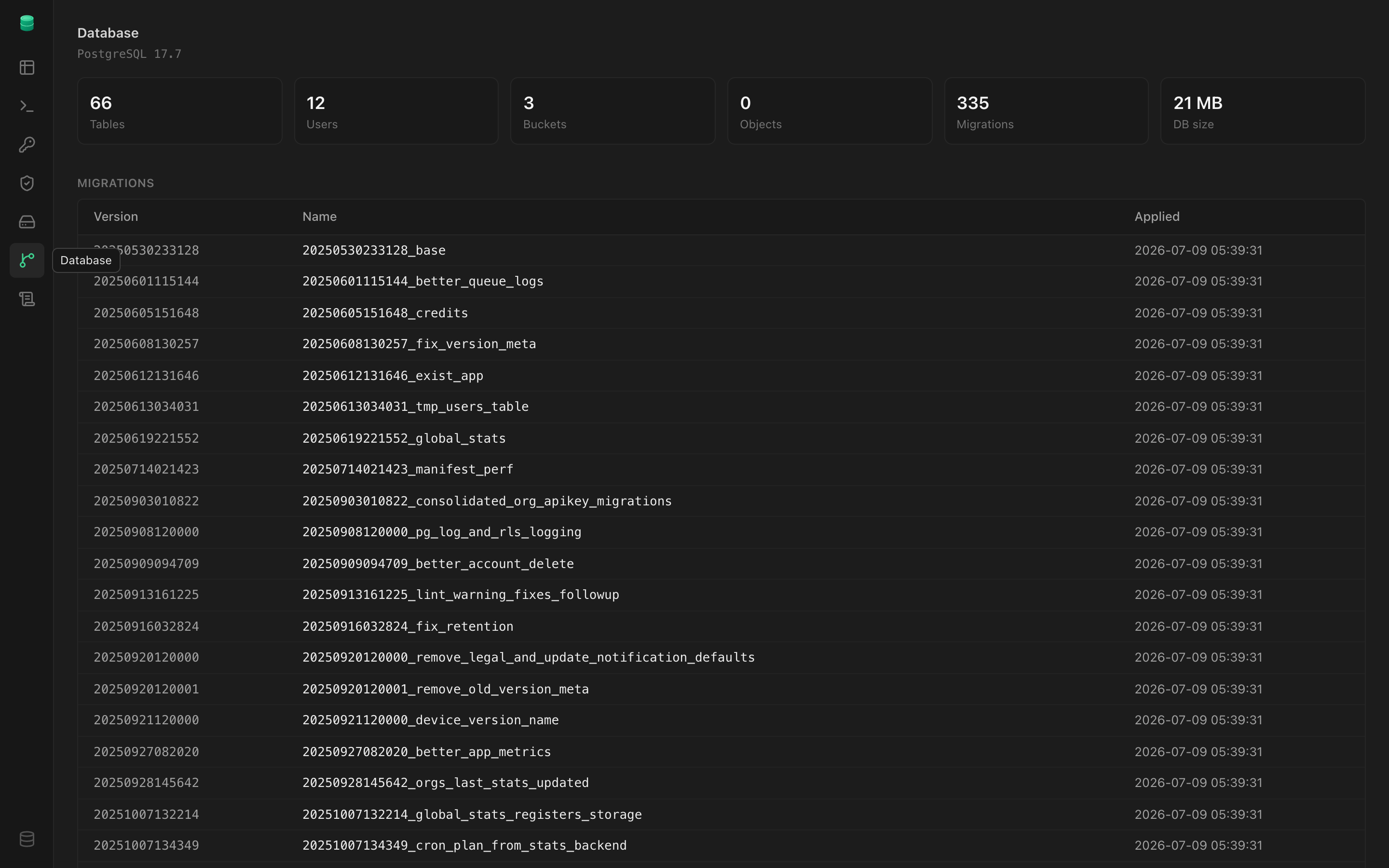
Database
A schema overview at a glance: tables, applied migrations, functions, triggers, database size, and the Postgres version.
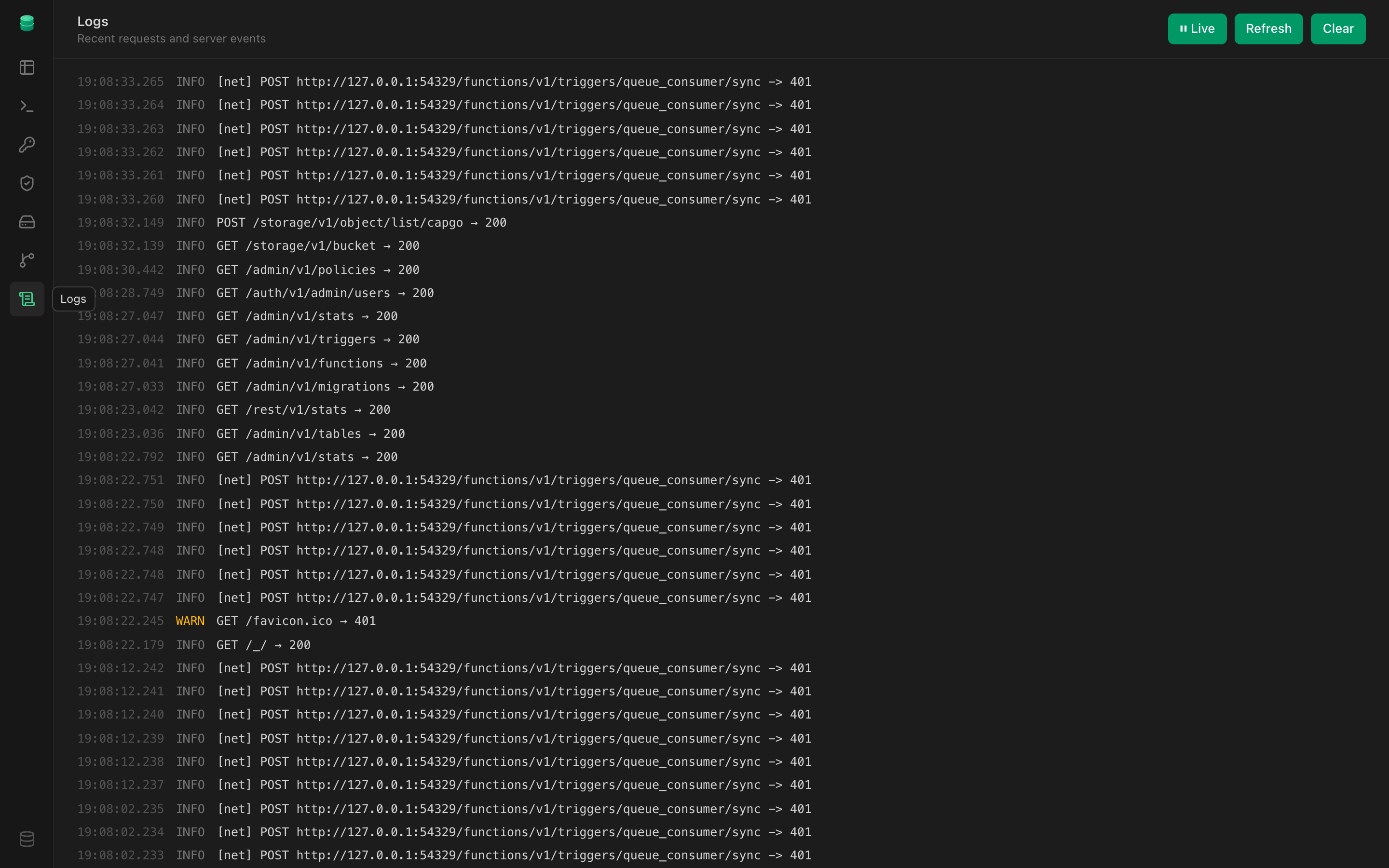
Logs
Live server logs — every request plus internal events (mail, webhooks, cron) — color-coded by level, auto-refreshing, with a clear button.
Studio is one of the ways in — the same APIs power the SDK and your app.